
{{ getFeatureName(action_mode) }} your image

Drop your image here.
Our popular AI tools
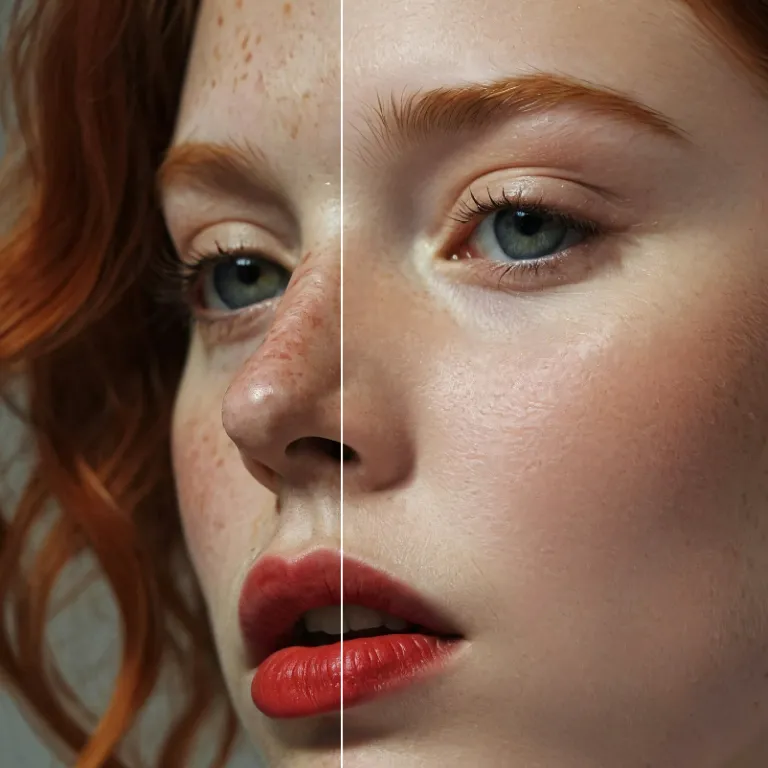
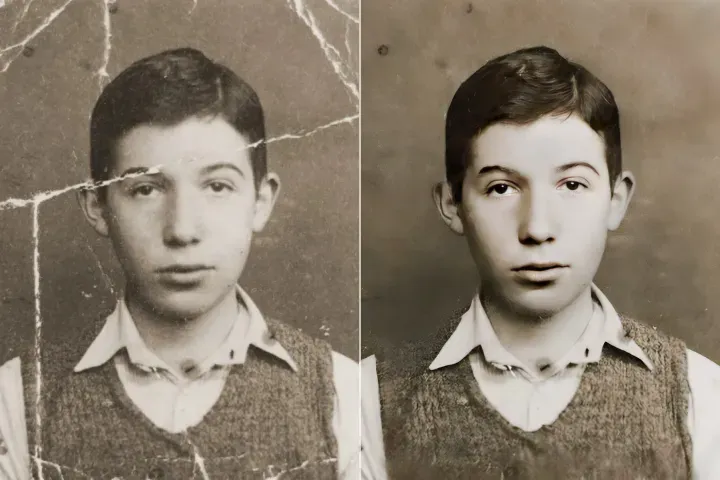
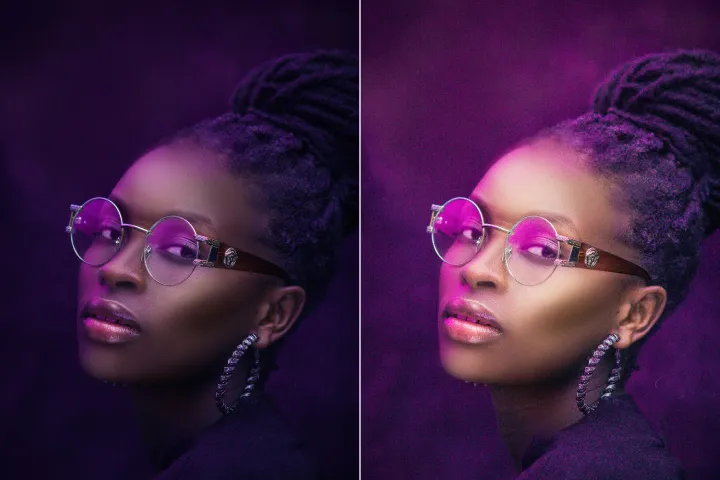
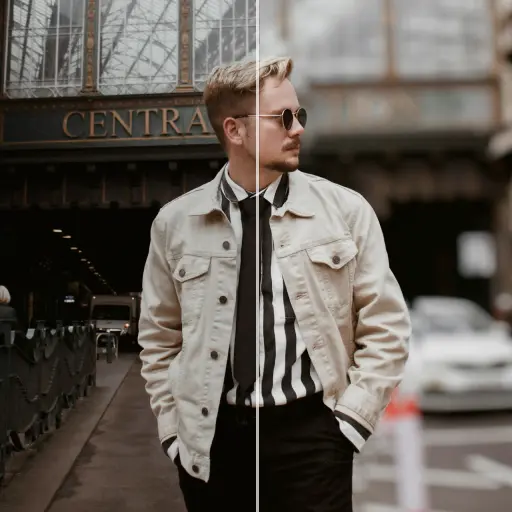
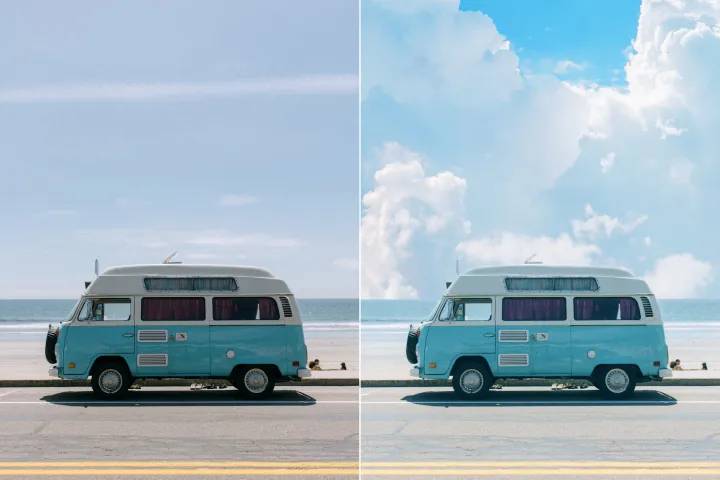
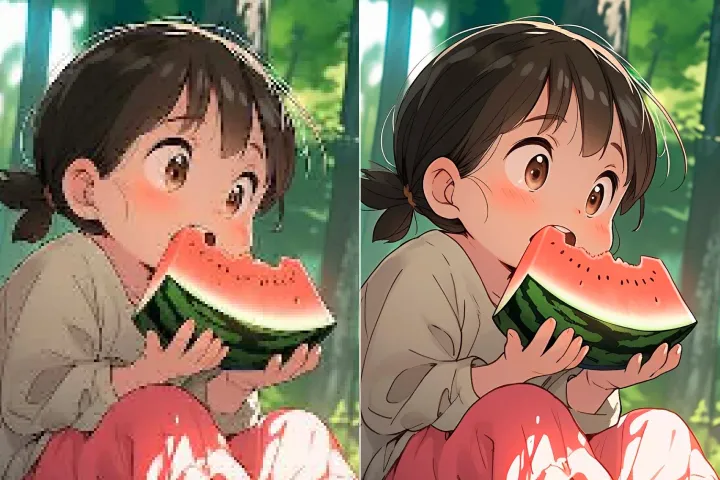
Enhance Photo
Automatically enhance the blurry photo's resolution and increase the overall quality.
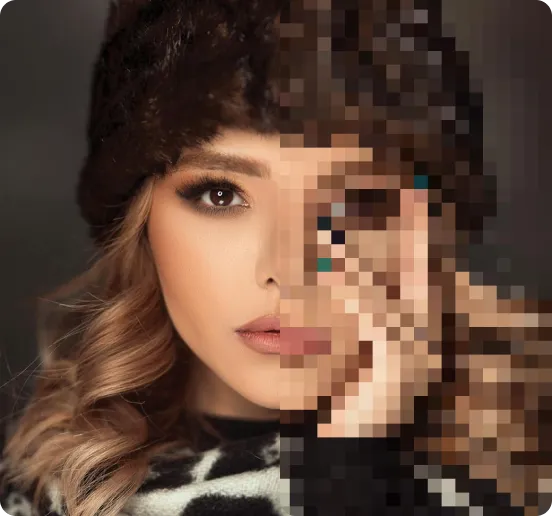
Remove Objects
AIPhotor's One-Touch AI simply detects and removes unwanted details in your picture.
Remove Background
Seamlessly remove background from photos. Edit background with 100+ well-designed templates.


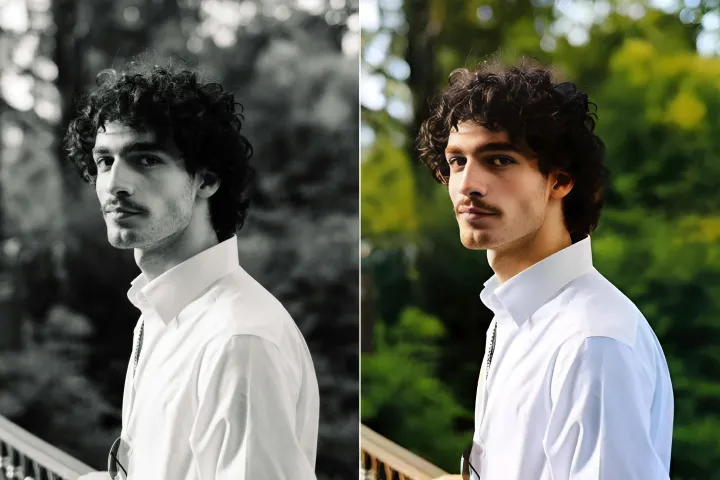
إزالة الكائنات
من الصور
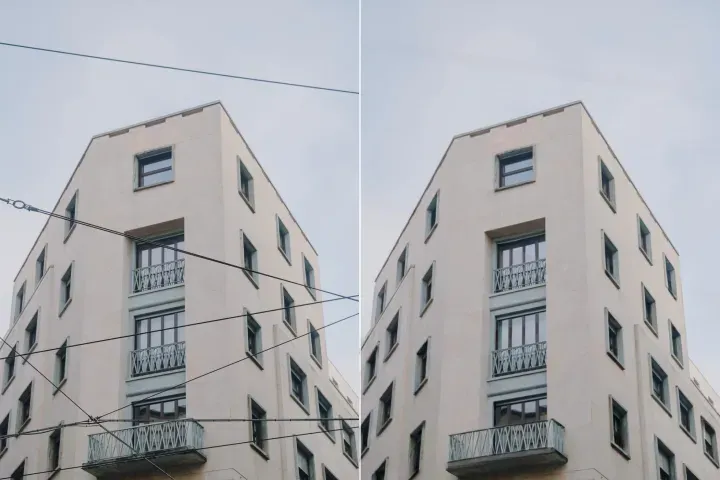
اكتشاف وإزالة الكائنات غير المرغوب فيها تلقائيًا من صورك





كيفية إزالة الأشياء من الصور باستخدام الذكاء الاصطناعي.
أربع خطوات بسيطة لإنشاء صور رائعة بسرعة وبسهولة.
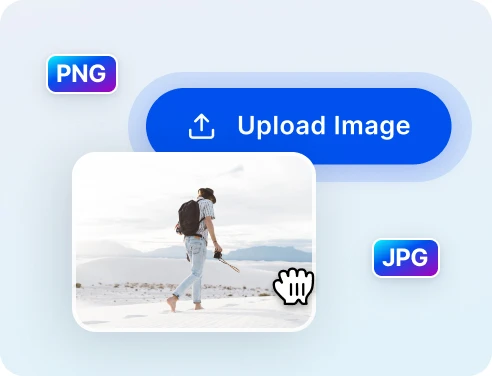
1 رفع صورة للتنظيف
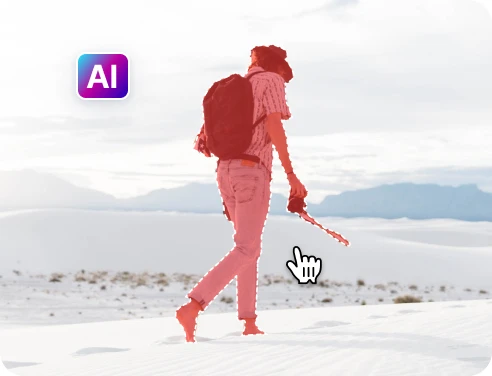
2 حدد الأشياء التي ستتم إزالتها
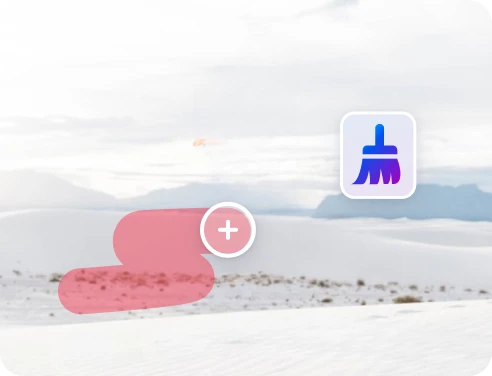
3 ضبط ومعاينة
4 تنزيل ومشاركة
إزالة الكائنات بسرعة ودقة مع تكنولوجيا الذكاء الاصطناعي
ذكاء اصطناعي قوي لإزالة الكائنات
يساعدك AIPhotor في تنظيف الصور بشكل أسرع وأكثر دقة من الإزالة اليدوية في كثير من الحالات.
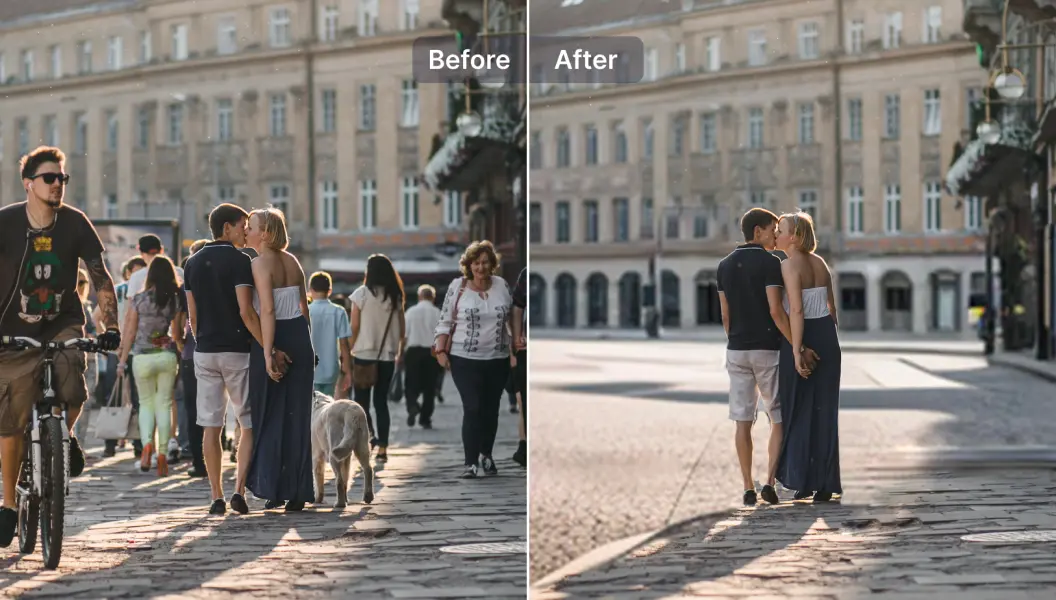
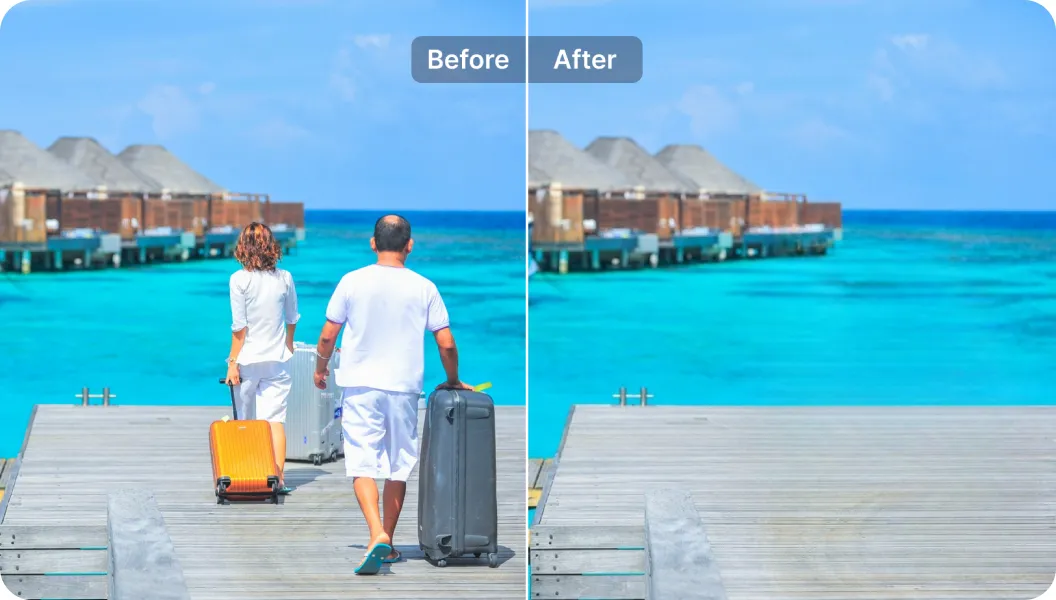
إزالة السياح من صور السفر
سئمت من وجود أشخاص في الخلفية؟ يجعلك AIPhotor محور صورتك.
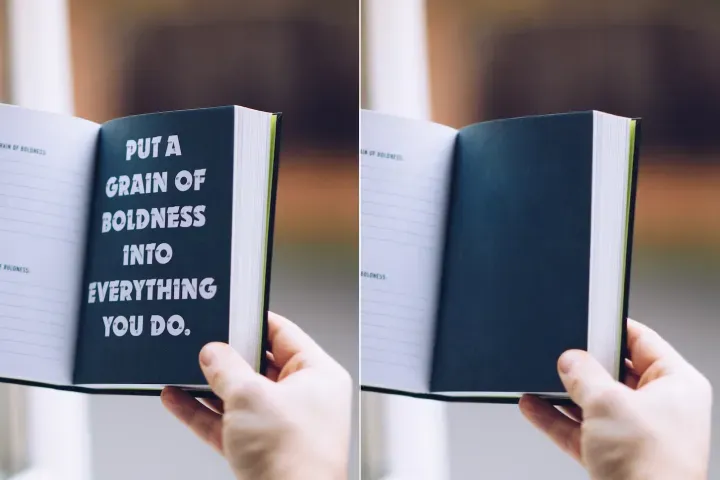
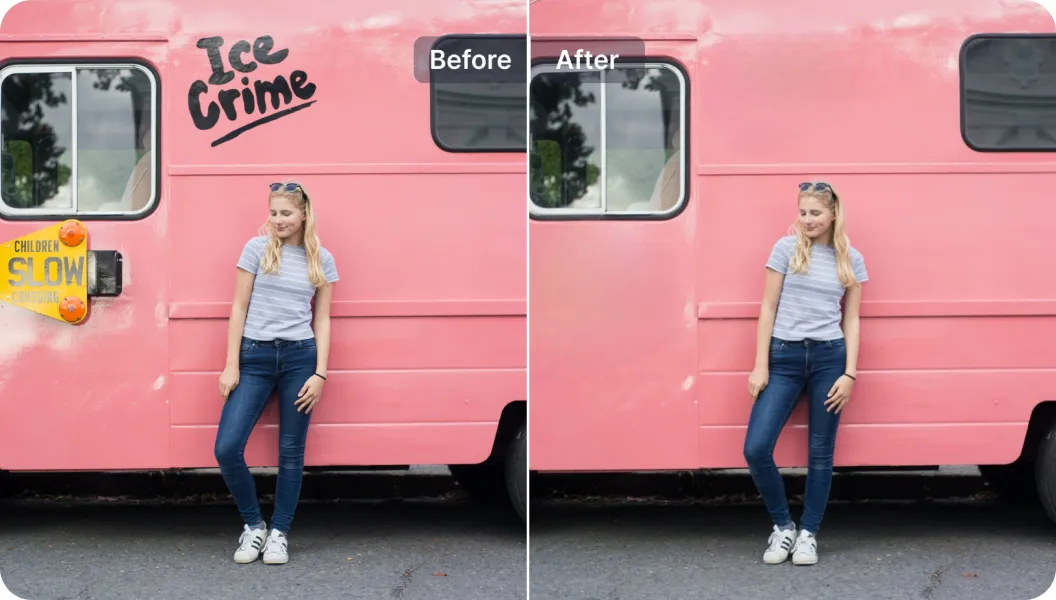
إزالة النصوص غير المرغوب فيها
يمكنك إزالة النص من الصور وإضافة نص جديد - كل ذلك في آن واحد.

Free to Try
AIPhotor is free to try for 3 days, after which you can subscribe to one of our incredible value plans.

Free to Try
We automatically sharpen and transform your images with AI to create multiple final looks. But you can also adjust and add a prompt to customize the results. Choose what works best for you!

Quick & Easy
Screen, edit, resize and download your photos lightning fast.

Compatible with all devices
AIPhotor is available on the iOS and Android stores. Our app works seamlessly across mobile, desktop, and tablet devices.
Frequently Asked Questions
-
What is AIPhotor Photo Editor?

 AIPhotor is a visual online photo editing website that leverages AI technology to help automatically remove objects/people from images; retouch, enhance, colorize, correct, cartoonize, and animate photos in a snap, replacing other photo editing tools Photoshop, Pixlr editor, or Photopea.
Or just drag & drop image here, upto 50 images at once
Or just drag & drop image here, upto 50 images at once
Frequently Asked Questions
-
What is AIPhotor Photo Editor?
AIPhotor is a visual online photo editing website that leverages AI technology to help automatically remove objects/people from images; retouch, enhance, colorize, correct, cartoonize, and animate photos in a snap, replacing other photo editing tools Photoshop, Pixlr editor, or Photopea.