
{{ getFeatureName(action_mode) }} your image

Drop your image here.
Our popular AI tools
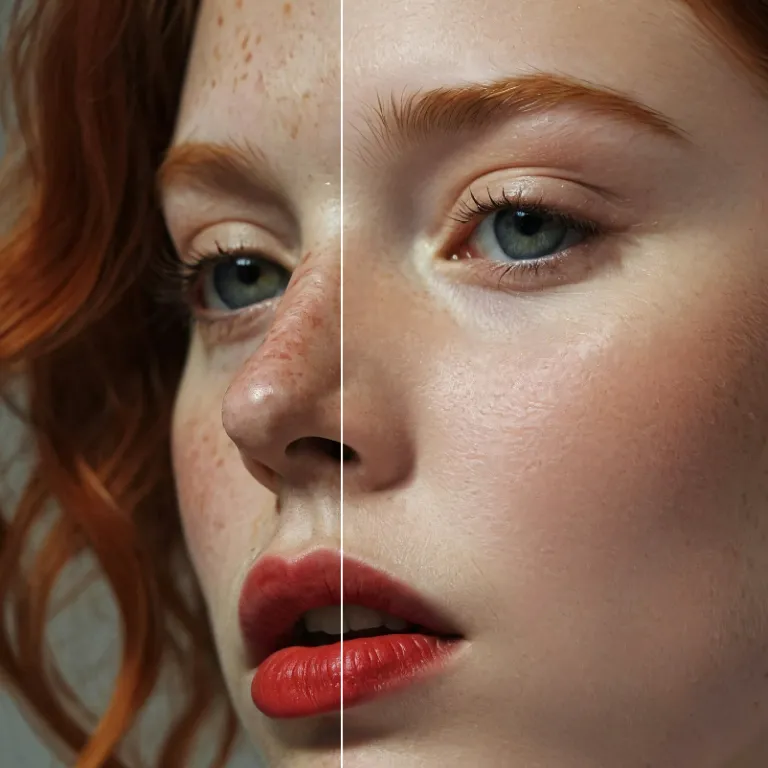
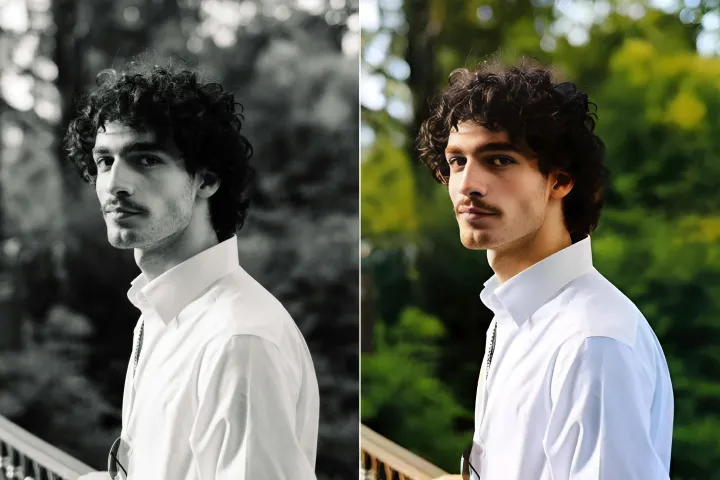
Enhance Photo
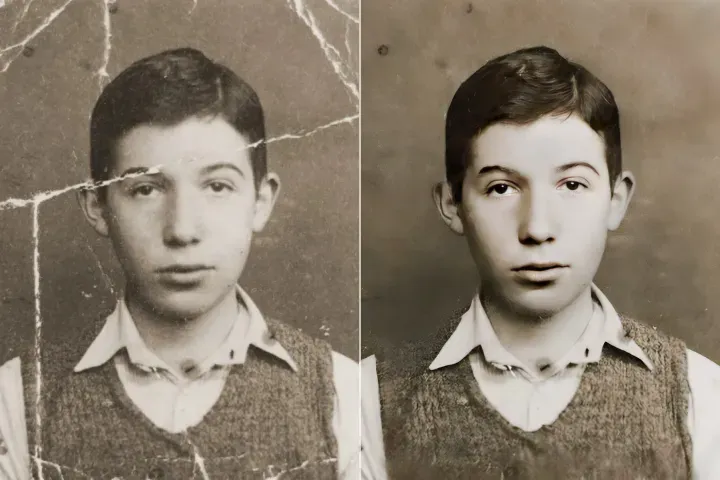
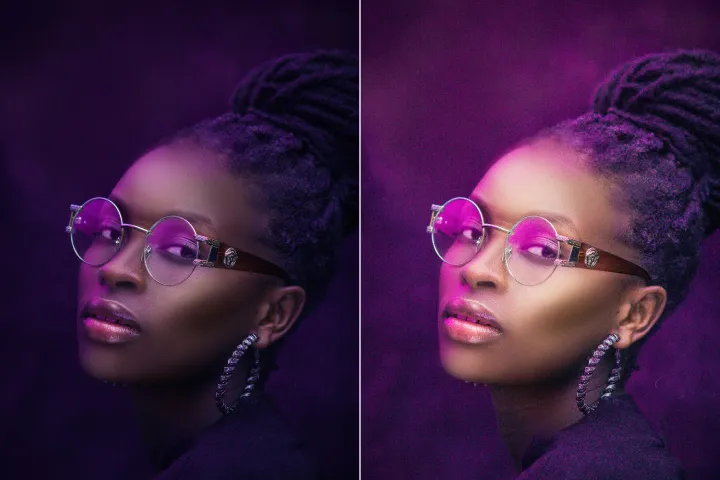
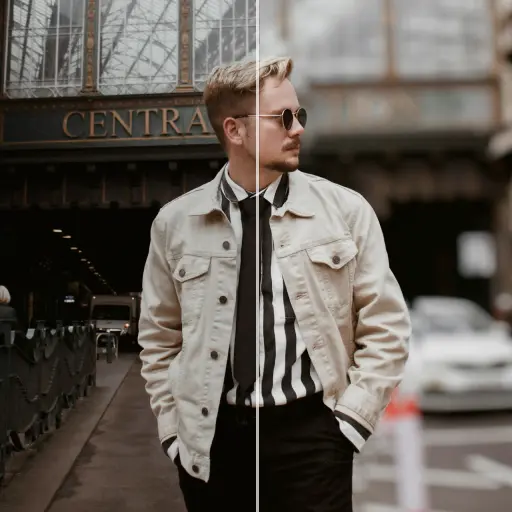
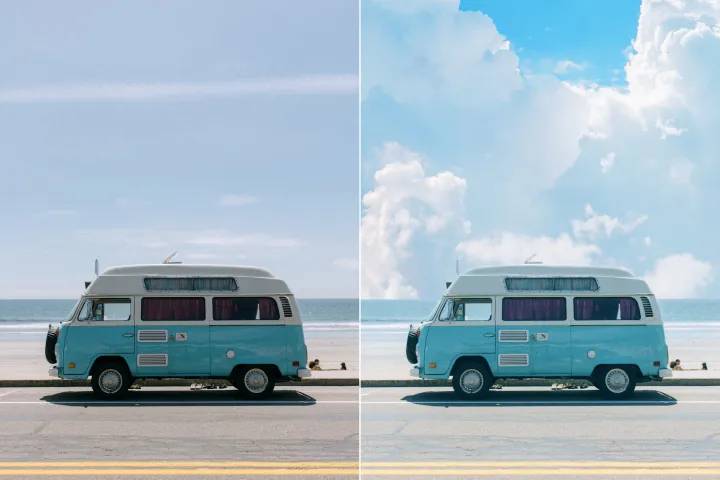
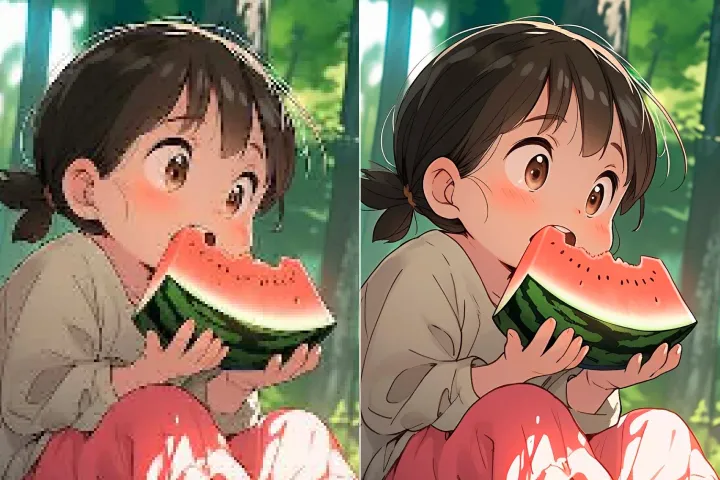
Automatically enhance the blurry photo's resolution and increase the overall quality.
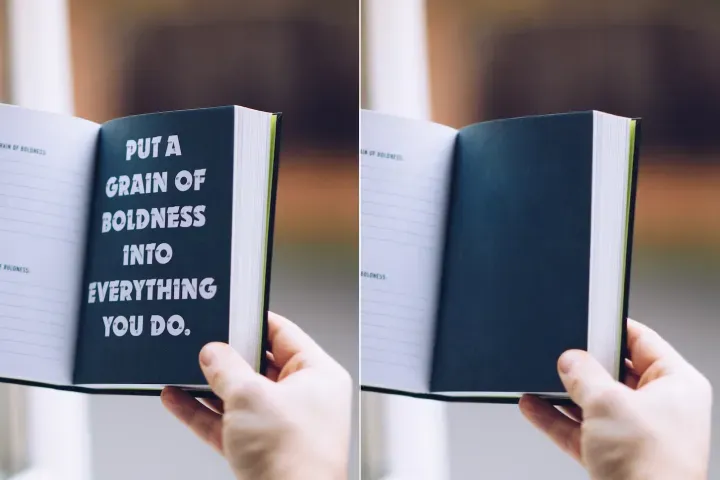
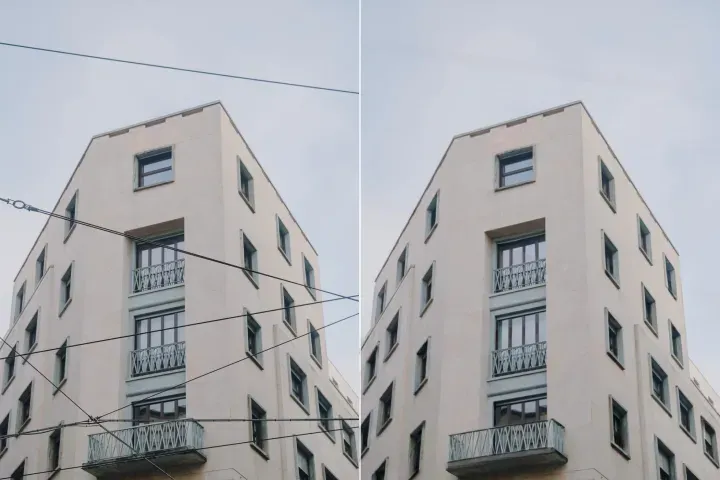
Remove Objects
AIPhotor's One-Touch AI simply detects and removes unwanted details in your picture.
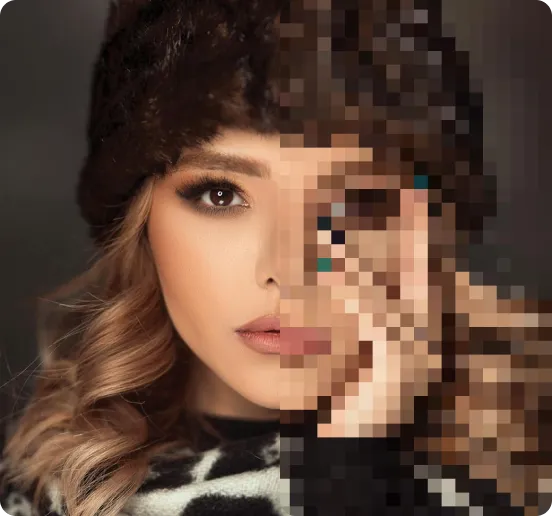
Remove Background
Seamlessly remove background from photos. Edit background with 100+ well-designed templates.


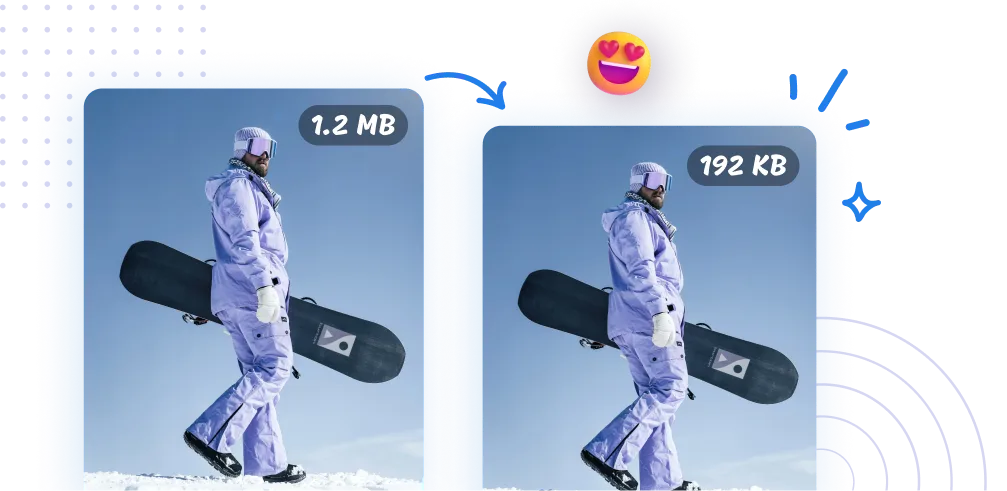
オンラインで画像を無料圧縮
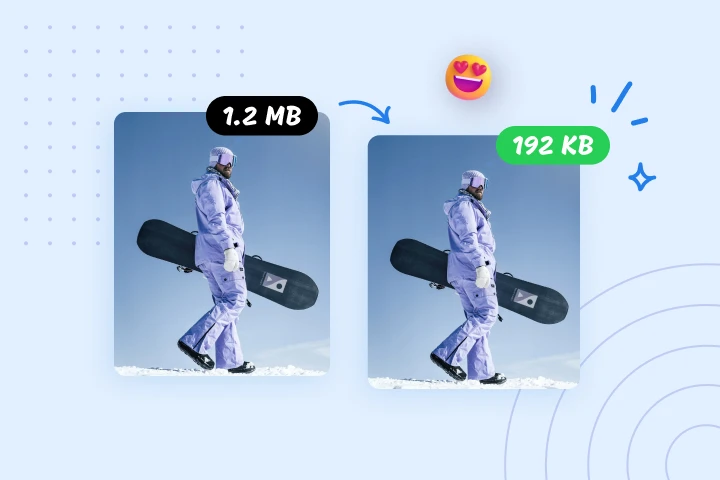
AIPhotorの画像圧縮ツールで、画像を最大95%圧縮します。高速なウェブサイト、効率的なメディア管理、そしてより迅速な転送に欠かせないツールです。ぜひ今日お試しください。



AIPhotorで画像を圧縮する方法は?
AIPhotorは、3つの簡単なステップで画像圧縮を迅速かつ簡単に行えます:
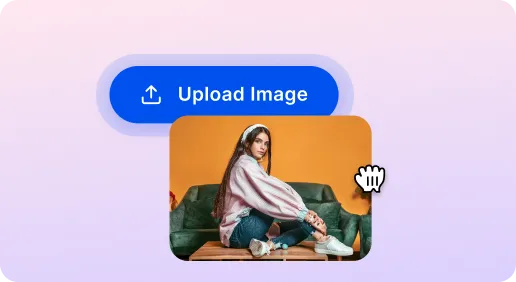
1 画像をアップロード

2 画像を圧縮
3 画像をダウンロード
必須ツール 画像圧縮ツール
ウェブサイトの速度向上のための画像圧縮
ウェブサイトを最適化するために、画像を迅速に圧縮します。大きなファイルサイズを削減してページ読み込みを高速化します。AIPhotorの写真圧縮ツールは、SEOを追求する開発者やサイト運営者にとって必須のツールです。今すぐお試しください。
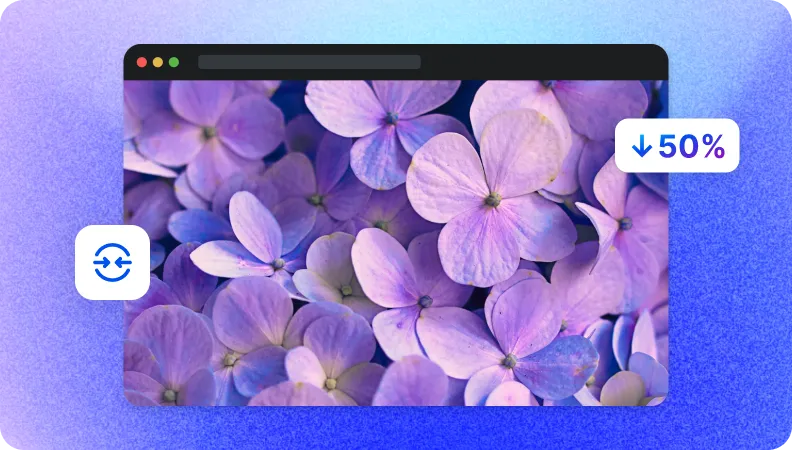
データ転送を高速化するためのファイルサイズを削減
AIPhotorの圧縮ツールは、遅い接続や帯域幅が限られているユーザーを支援します。画像サイズを削減することで伝送時間を短縮し、配信を効率化して共有を迅速化し、時間を節約します。
ストレージ管理のために画像サイズを縮小
私たちの画像圧縮ツールを使ってクラウドストレージを効率的に管理します。画像サイズを小さくすることで空き容量が増え、ストレージコストを削減し、アーカイブ、整理、大規模な画像ライブラリの利便性が向上します。


Free to Try
AIPhotor is free to try for 3 days, after which you can subscribe to one of our incredible value plans.

Free to Try
We automatically sharpen and transform your images with AI to create multiple final looks. But you can also adjust and add a prompt to customize the results. Choose what works best for you!

Quick & Easy
Screen, edit, resize and download your photos lightning fast.

Compatible with all devices
AIPhotor is available on the iOS and Android stores. Our app works seamlessly across mobile, desktop, and tablet devices.
Frequently Asked Questions
-
What is AIPhotor Photo Editor?

 AIPhotor is a visual online photo editing website that leverages AI technology to help automatically remove objects/people from images; retouch, enhance, colorize, correct, cartoonize, and animate photos in a snap, replacing other photo editing tools Photoshop, Pixlr editor, or Photopea.
Or just drag & drop image here, upto 50 images at once
Or just drag & drop image here, upto 50 images at once
Frequently Asked Questions
-
What is AIPhotor Photo Editor?
AIPhotor is a visual online photo editing website that leverages AI technology to help automatically remove objects/people from images; retouch, enhance, colorize, correct, cartoonize, and animate photos in a snap, replacing other photo editing tools Photoshop, Pixlr editor, or Photopea.