Drop files here
Convert PDF to EXCEL
Convert PDF Data to EXCEL Spreadsheets.
Select PDF files

or drop PDF here
Easily convert PDFs to Excel online for quick, polished data presentation and effortless sharing. Streamline your workflow with fast, reliable conversions and greater productivity.
-
Convert sales data from a PDF into Excel.
-
No installation and easy to use.
-
Turn a PDF into an editable Excel workbook.
Convert PDF to Excel in seconds
Turn PDFs into Excel data or convert invoices into spreadsheets with ease. Our tool delivers fast, precise PDF to Excel conversion.
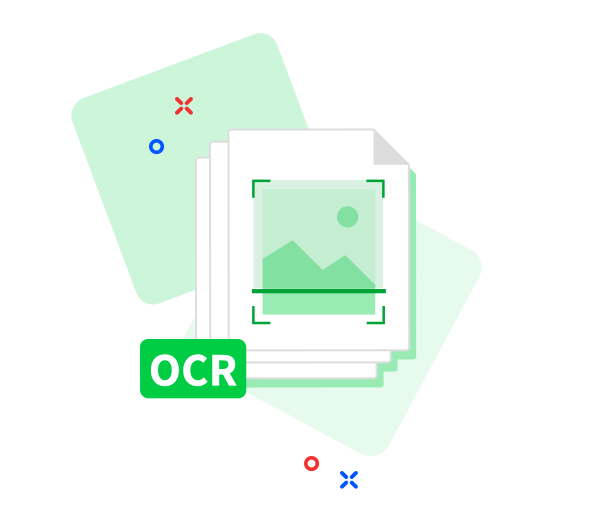
Can process scanned documents
Powered by advanced OCR text extraction, upload scanned PDFs (receipts, invoices, etc.). We convert PDFs to Excel precisely as you need-at no cost.
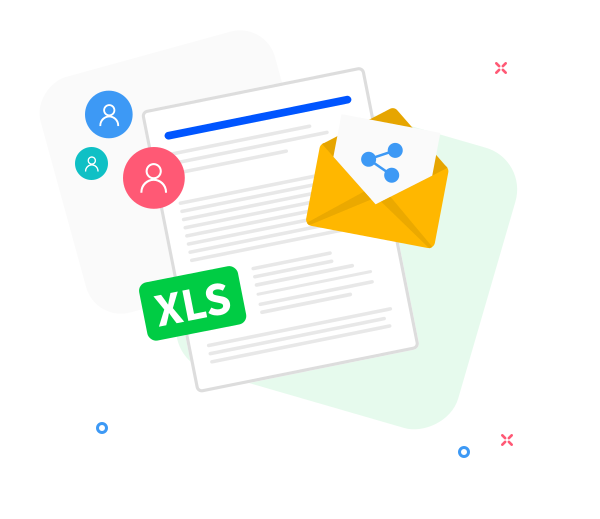
Teamwork made easier
Collaborate and share Excel files seamlessly. Share links instantly with your team using our secure sharing feature.
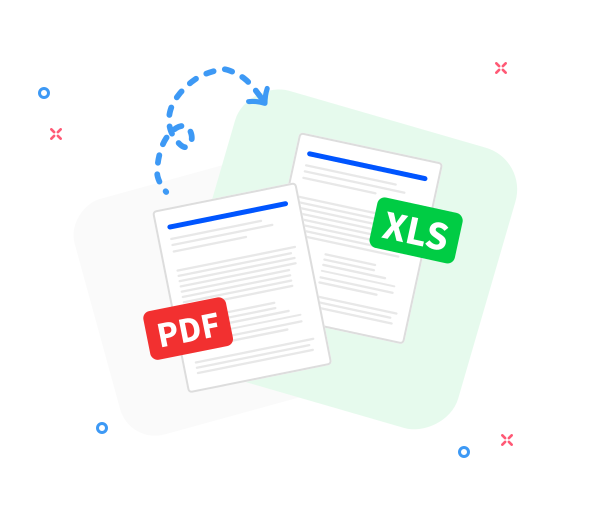
PDF to Excel - Accurate and Fast
No downloads required. Upload PDFs and convert them to Excel instantly.
Accurate PDF to Excel conversion.
Preserves original layout and formatting. Export PDFs to Excel without sacrificing quality.
Convert from PDF to Excel anywhere.
Works across OS and devices-from mobile to desktop. Our responsive tools deliver precise, reliable results.
Convert multiple files at once.
Convert one or more PDFs to Excel, whether in a single run or in batch. Fast, reliable results.
Your data is secure.
Your data stays secure and confidential. We delete it promptly after processing.
Secure conversion from PDF to Excel.
We protect your PDF-to-Excel conversions with state-of-the-art TLS encryption.
Compliant with GDPR standards.
We comply with GDPR standards, delivering a secure and trustworthy data download experience.
Frequently Asked Questions
Yes. This PDF to Excel converter is free to use online. You can convert PDF files into editable Excel spreadsheets without registration, watermarks, or software installation.
The converter is designed to accurately extract tables, rows, and columns from PDF files into Excel format. The best results are achieved with PDFs that contain structured, selectable text.
Yes. All files are protected using secure HTTPS encryption during upload and processing. Uploaded PDFs and converted Excel files are automatically deleted from our servers after a short period to ensure privacy and data security.

Free Guide: Convert PDF to Excel
A step-by-step guide to free PDF-to-Excel conversion using our tool:
- Choose files by clicking or simply drag and drop your PDFs into the converter.
- Organize by name or remove any unnecessary files.
- Click 'Convert to Excel' and wait a moment.
- Your Excel files will be ready shortly. You can download them or share the link.
 Remove pages




This file requires password
Ignore these files

wrong password
Some file(s) requires password
Damaged/Corrupted File
We can't process damaged or corrupted files. Please verify the file by opening it in a PDF viewer. If it won't open, it may be damaged. Restore a valid copy and try again.