
{{ getFeatureName(action_mode) }} your image

Drop your image here.
Our popular AI tools
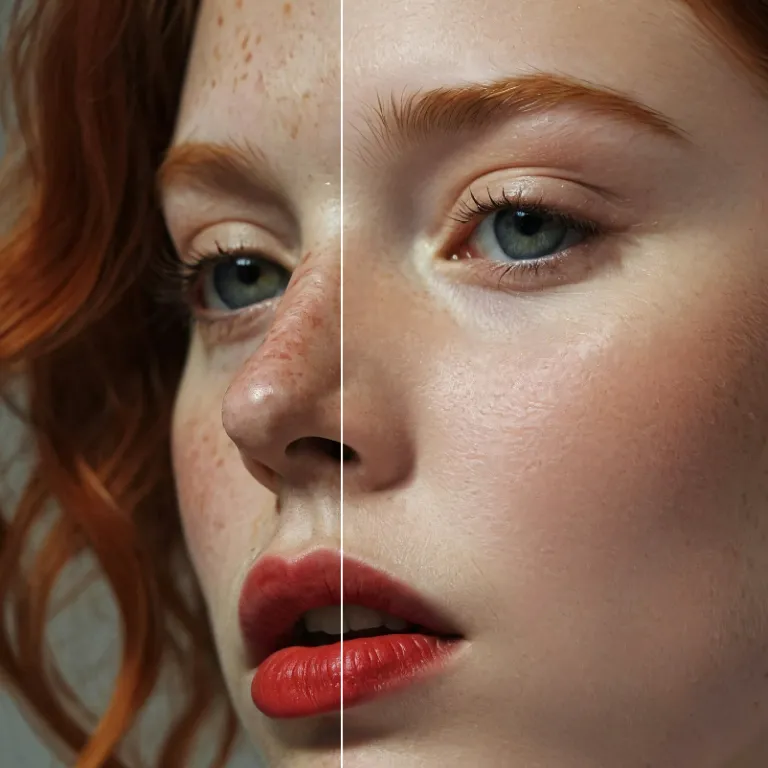
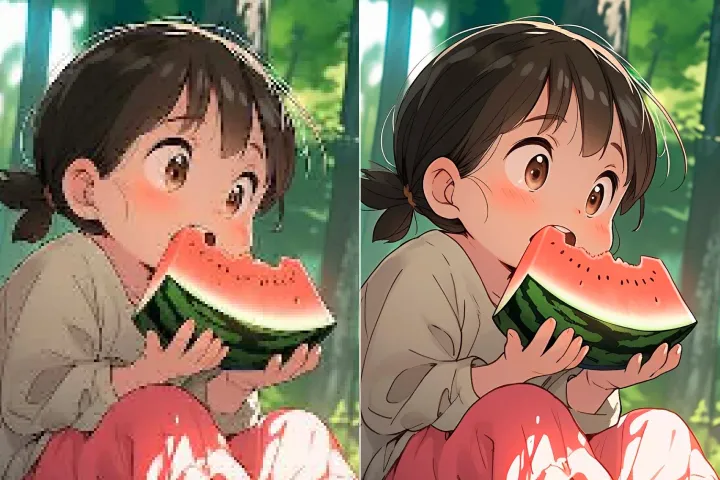
Enhance Photo
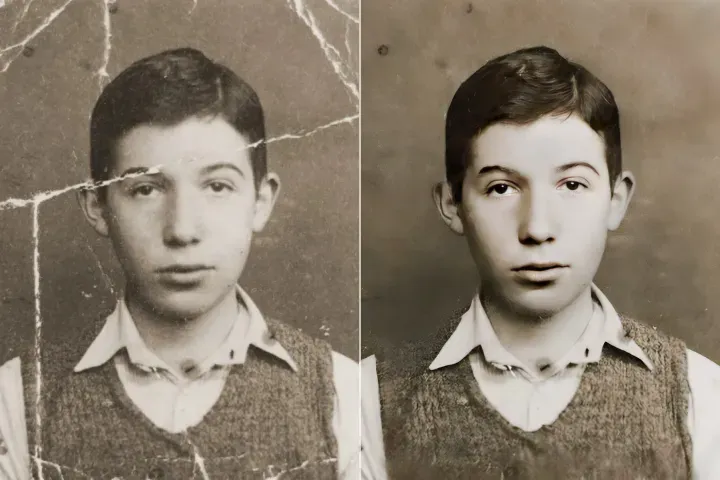
Automatically enhance the blurry photo's resolution and increase the overall quality.
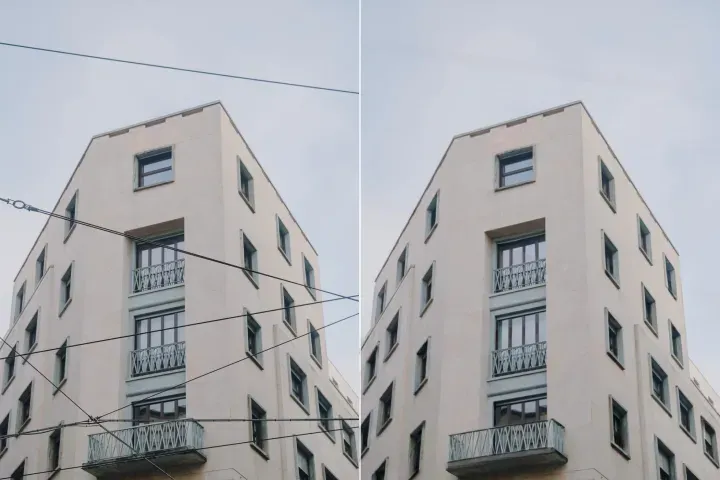
Remove Objects
AIPhotor's One-Touch AI simply detects and removes unwanted details in your picture.
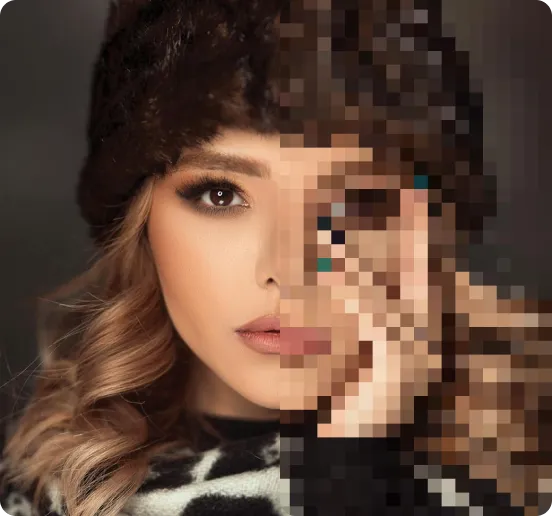
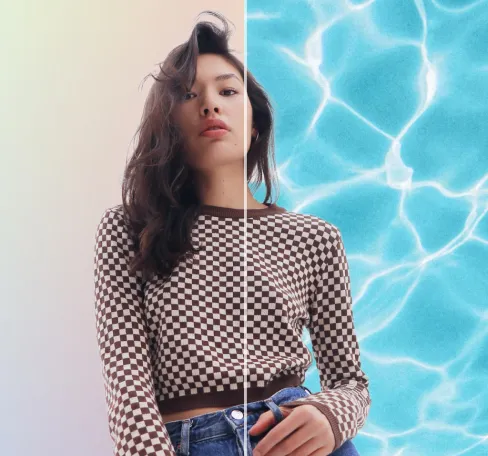
Remove Background
Seamlessly remove background from photos. Edit background with 100+ well-designed templates.

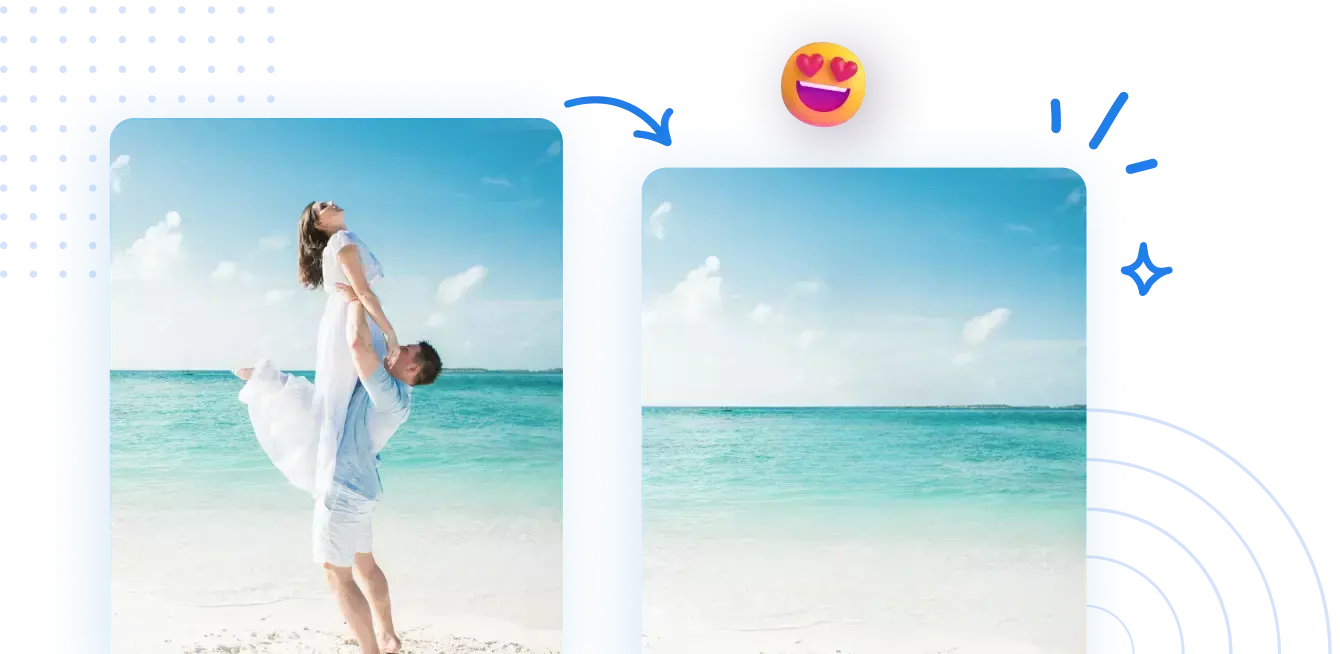
Удаление объектов
из фотографий
Автоматически распознавайте и удаляйте нежелательные объекты на ваших изображениях



Как удалять объекты на изображениях с помощью ИИ.
Четыре простых шага к быстрому и лёгкому созданию потрясающих изображений.
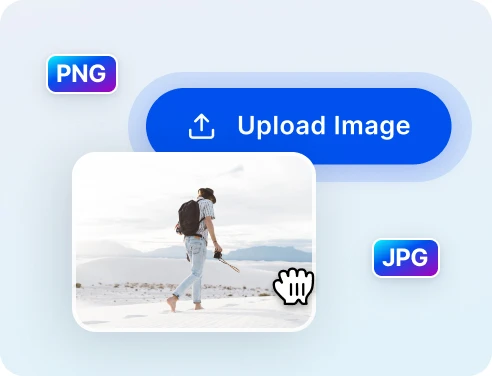
1 Загрузите фото для очистки
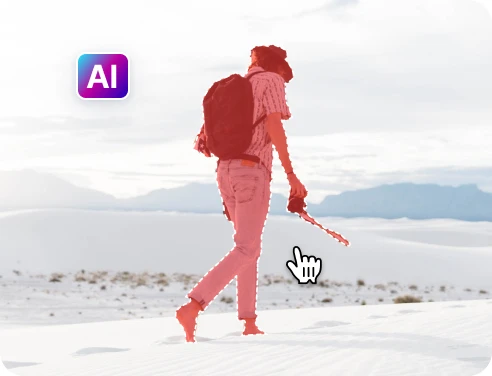
2 Выберите объекты, которые нужно удалить
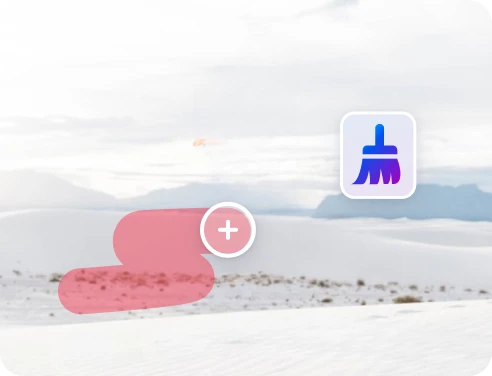
3 Настроить и просмотреть
4 Скачать и поделиться
Быстрое и точное удаление объектов с ИИ-технологией
Мощный ИИ для удаления объектов
AIPhotor помогает удалять элементы на фотографиях быстрее и точнее, чем ручное удаление, во многих случаях.
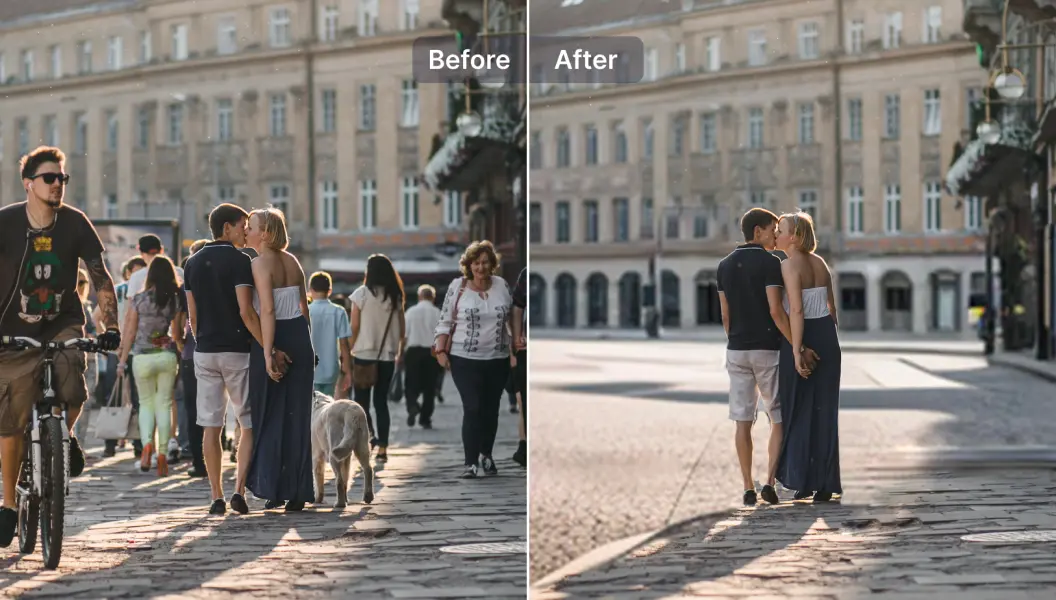
Удалять туристов с фотографий путешествий
Устали от людей на заднем плане? AIPhotor делает вас центром внимания на вашей фотографии.
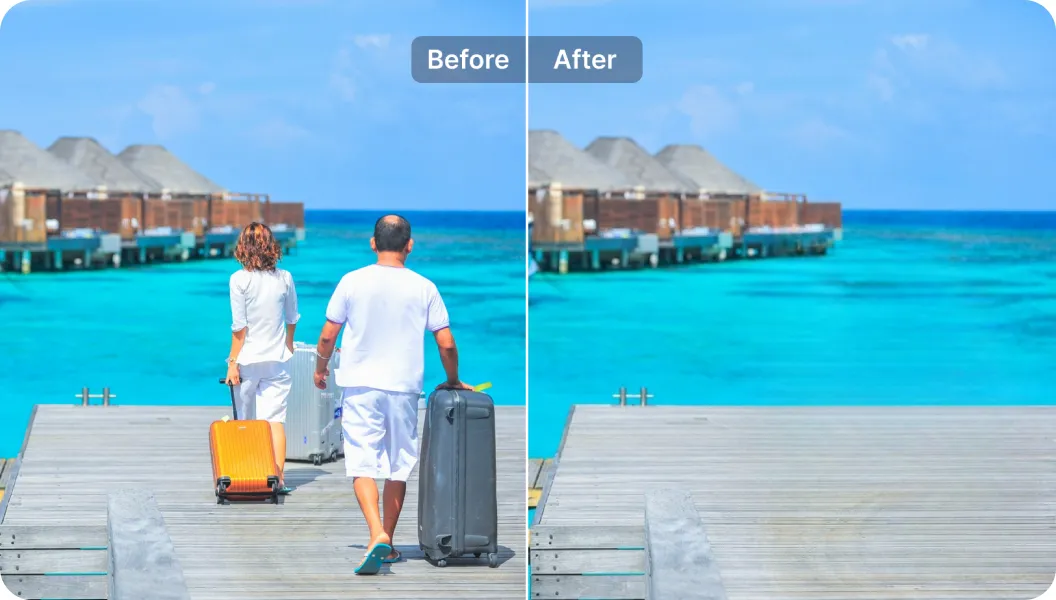
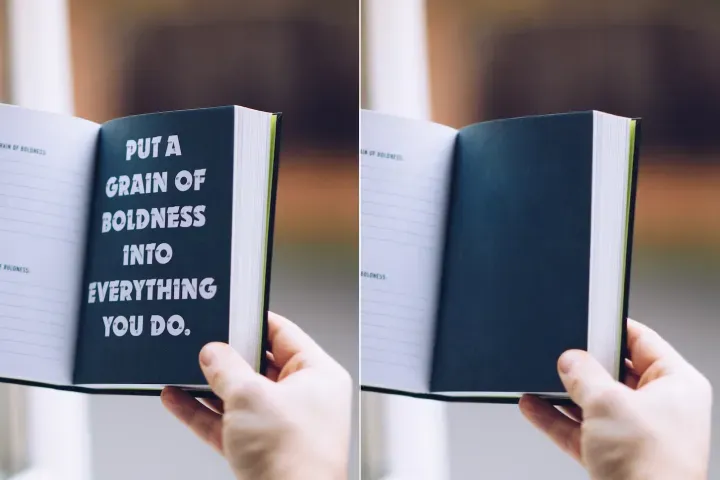
Удаление нежелательных надписей
Вы можете удалять текст с фотографий и добавлять новый текст - все в одном.

Free to Try
AIPhotor is free to try for 3 days, after which you can subscribe to one of our incredible value plans.

Free to Try
We automatically sharpen and transform your images with AI to create multiple final looks. But you can also adjust and add a prompt to customize the results. Choose what works best for you!

Quick & Easy
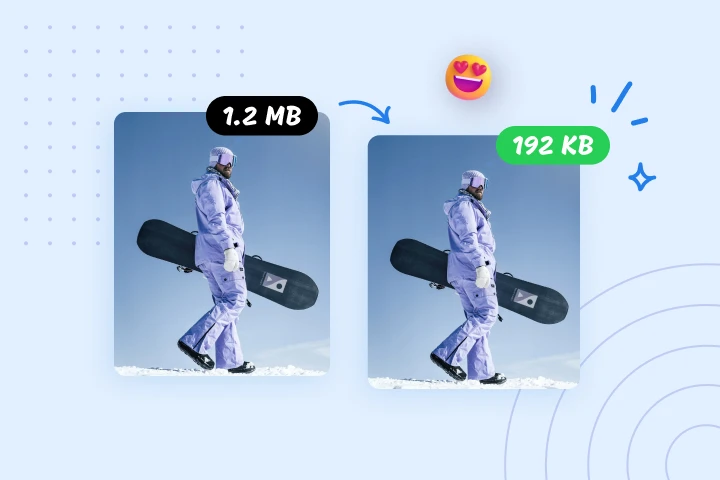
Screen, edit, resize and download your photos lightning fast.

Compatible with all devices
AIPhotor is available on the iOS and Android stores. Our app works seamlessly across mobile, desktop, and tablet devices.
Frequently Asked Questions
-
What is AIPhotor Photo Editor?

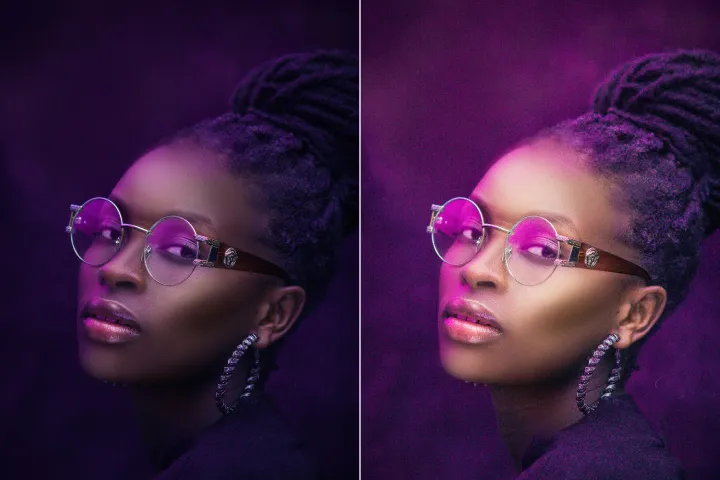
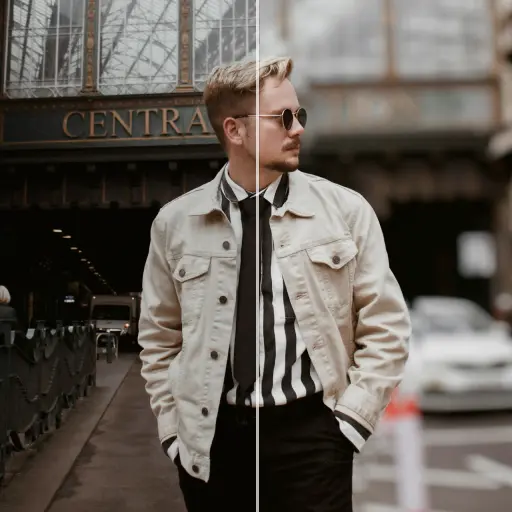
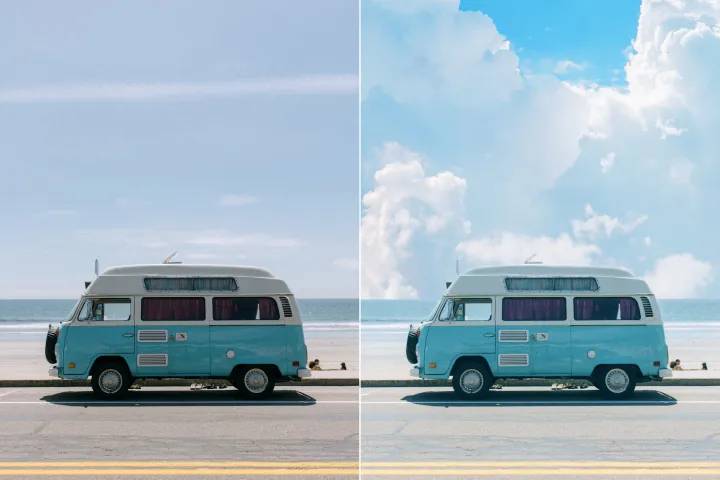
 AIPhotor is a visual online photo editing website that leverages AI technology to help automatically remove objects/people from images; retouch, enhance, colorize, correct, cartoonize, and animate photos in a snap, replacing other photo editing tools Photoshop, Pixlr editor, or Photopea.
Or just drag & drop image here, upto 50 images at once
Or just drag & drop image here, upto 50 images at once
Frequently Asked Questions
-
What is AIPhotor Photo Editor?
AIPhotor is a visual online photo editing website that leverages AI technology to help automatically remove objects/people from images; retouch, enhance, colorize, correct, cartoonize, and animate photos in a snap, replacing other photo editing tools Photoshop, Pixlr editor, or Photopea.