
{{ getFeatureName(action_mode) }} your image

Drop your image here.
Our popular AI tools
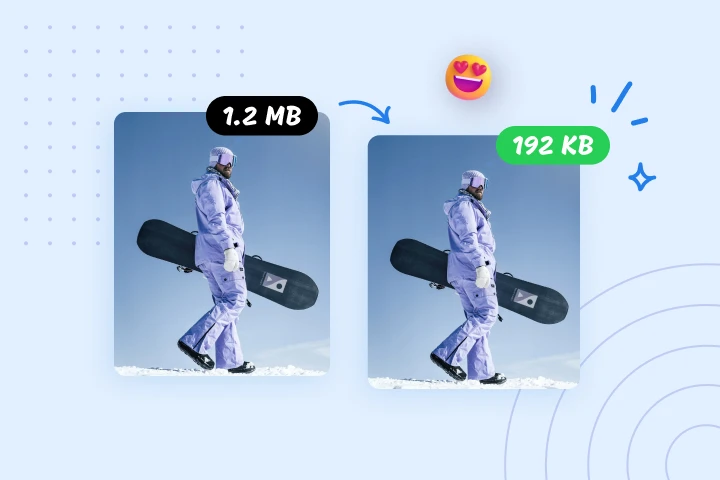
Enhance Photo
Automatically enhance the blurry photo's resolution and increase the overall quality.
Remove Objects
AIPhotor's One-Touch AI simply detects and removes unwanted details in your picture.
Remove Background
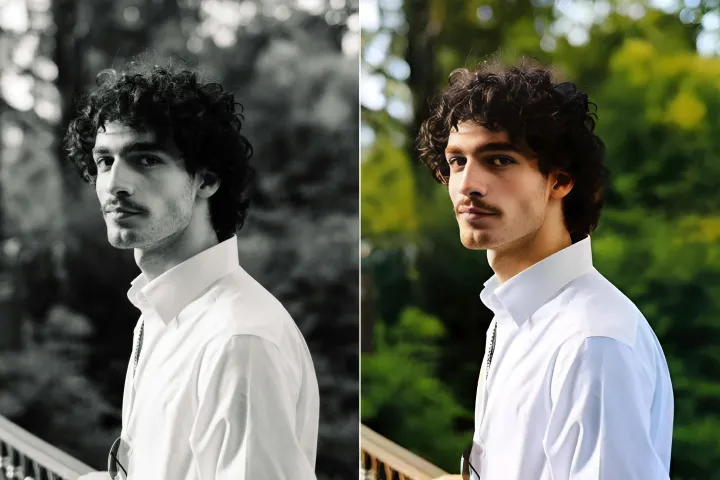
Seamlessly remove background from photos. Edit background with 100+ well-designed templates.
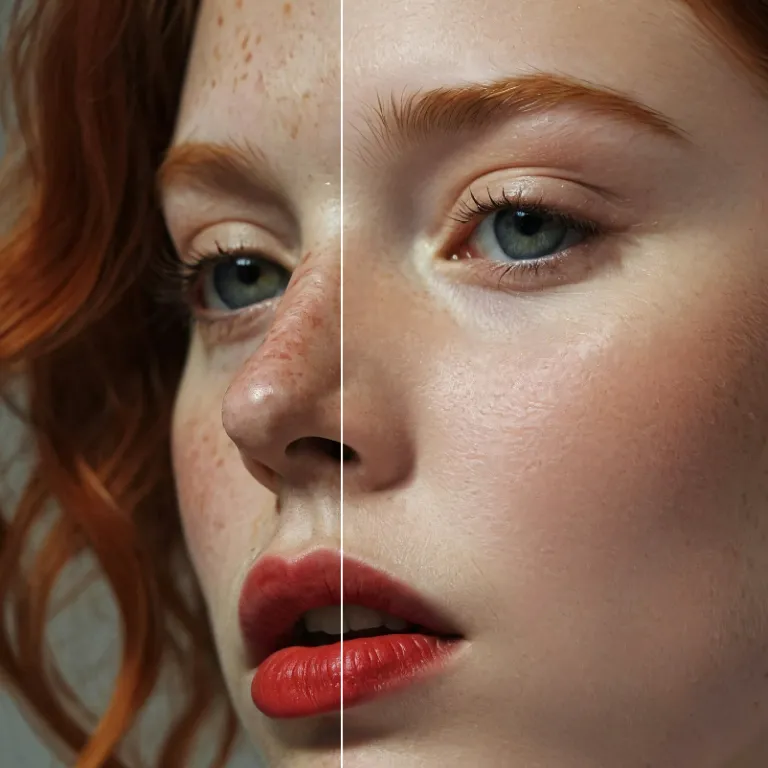
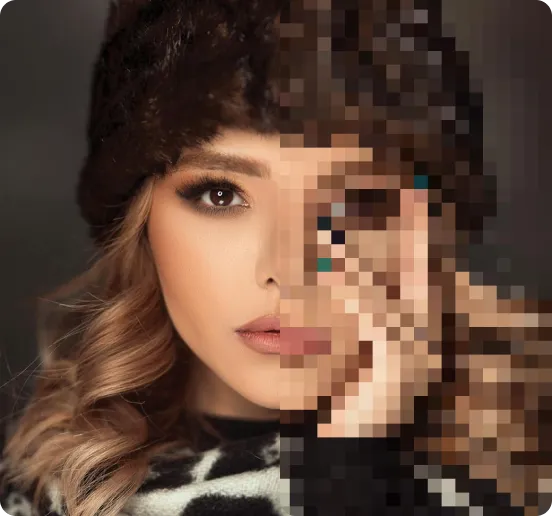

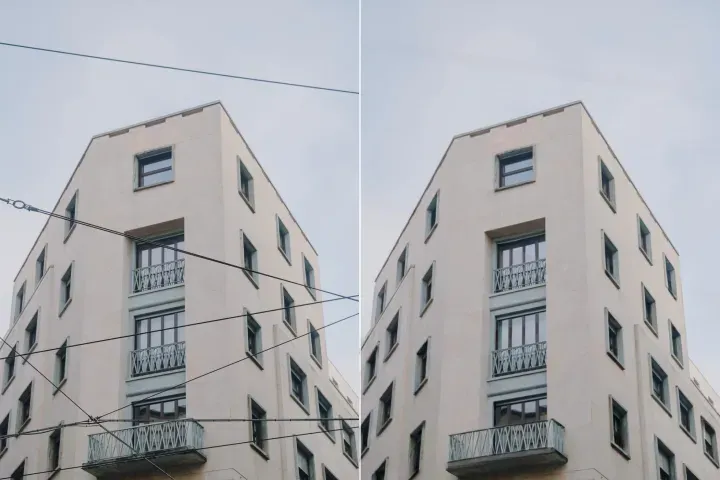
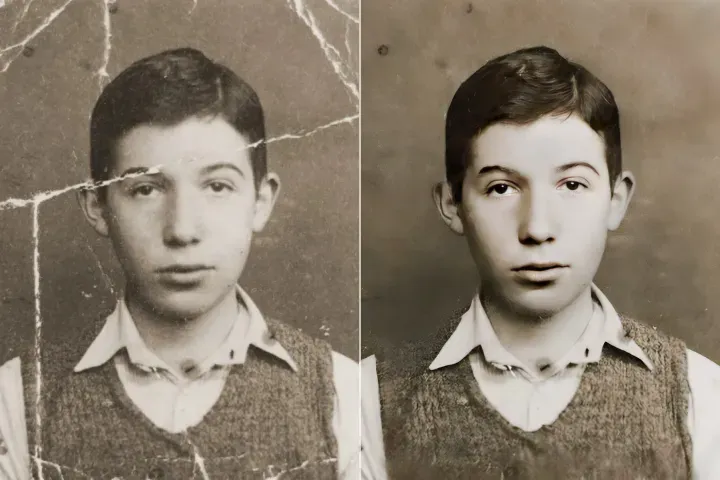



在线提升照片质量
使用AI
借助 AIPhotor 的先进 AI 照片增强器,轻松提升您的图像。





如何使用 AI 图像增强器
使用 AIPhotor 的在线照片增强器,在任何设备、任何地点,通过三个简单步骤提升图像质量:

1 上传一张图片

2 对比与调整:

3 下载与分享:
全能 AI 照片增强套件
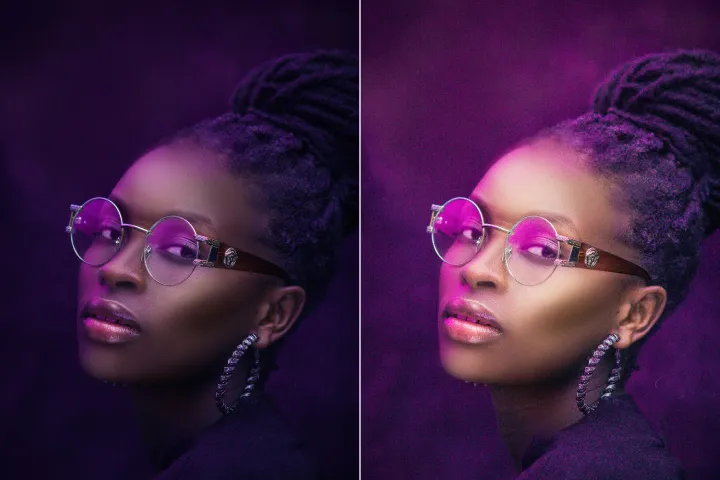
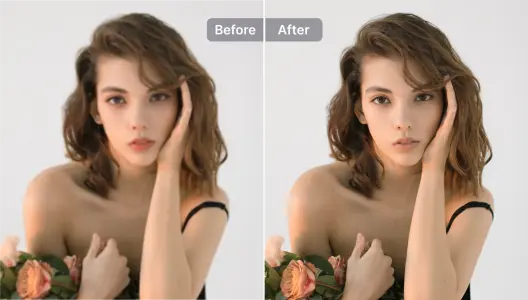
提升人像与自拍
AIPhotor 专注于优化照片中的面部和特征,带来自然且出众的效果。
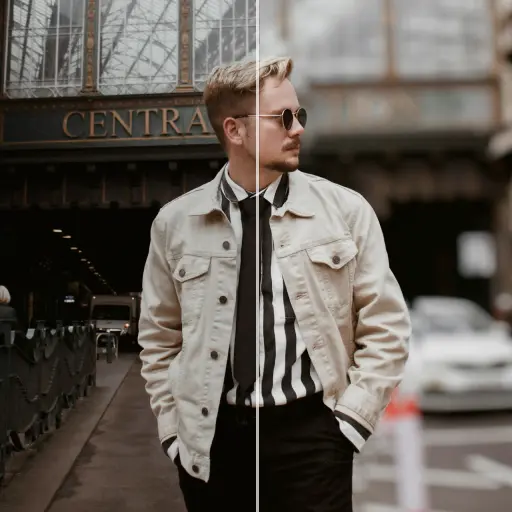
提升产品照片
在几秒钟内将产品图片锐化,提升吸引力并让其脱颖而出。尝试 AI 背景去除工具,在产品照片中更换背景。
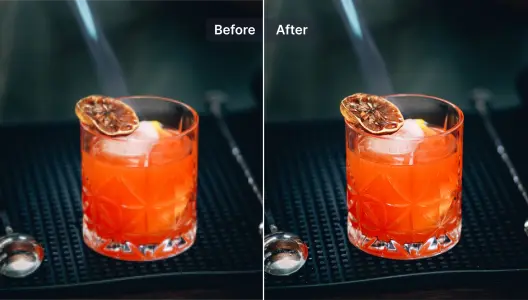
提升并修复模糊照片
一种快速、直接的方式来恢复模糊照片中的细节。尝试我们的 AI 修复旧照片工具。
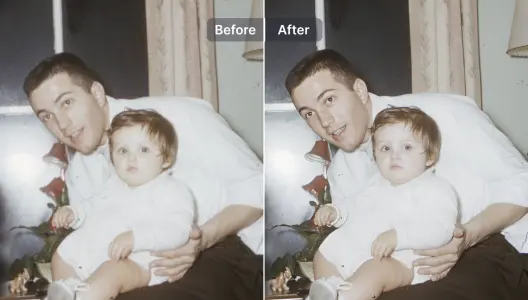
提升插图与平面设计
使用 AI 照片增强器提升并为插图及图形设计增添细节。\n <b>完全掌控 AI 的创造力及其与原始图像的相似度。</b>
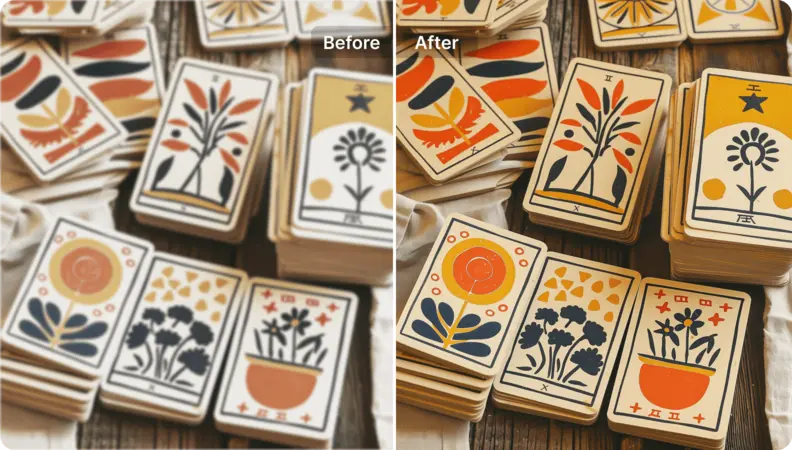
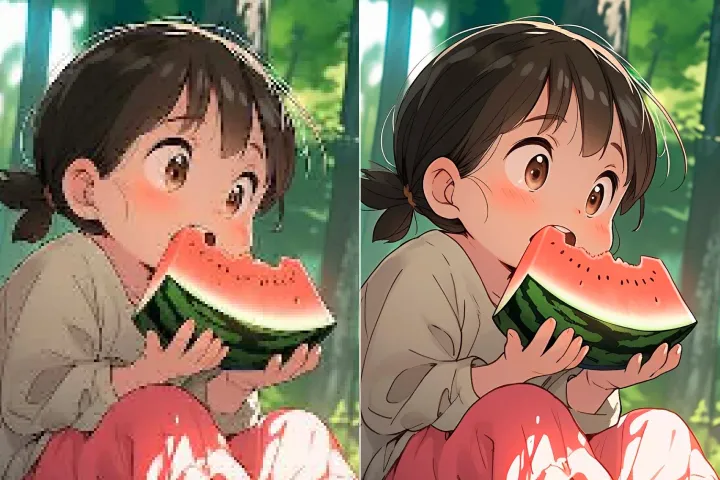
提升艺术图像的分辨率
为所有艺术风格提供清晰、高分辨率的输出。将动漫、漫画、waifu、卡通、绘画以及 AI 生成的图像转化为真实、可直接用于印刷的艺术作品。
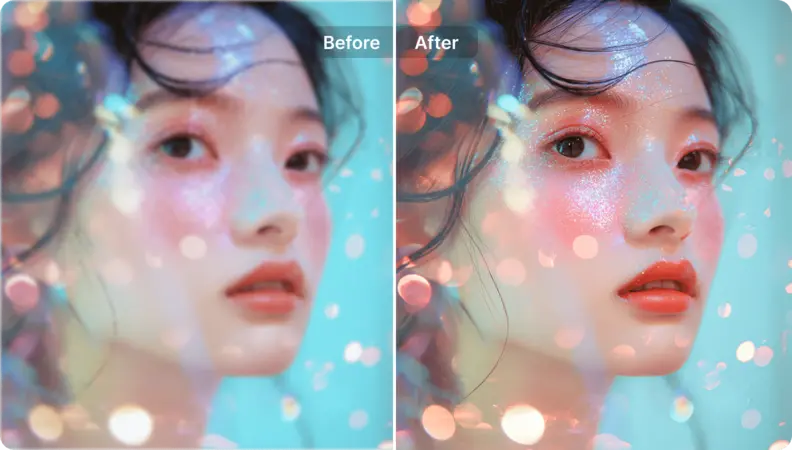
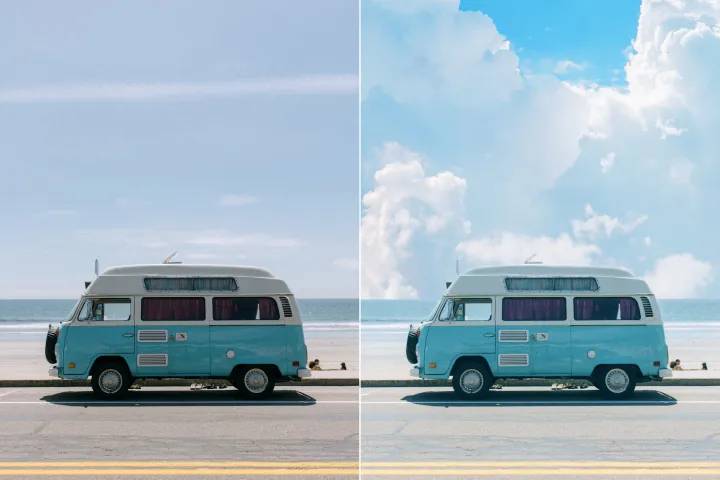
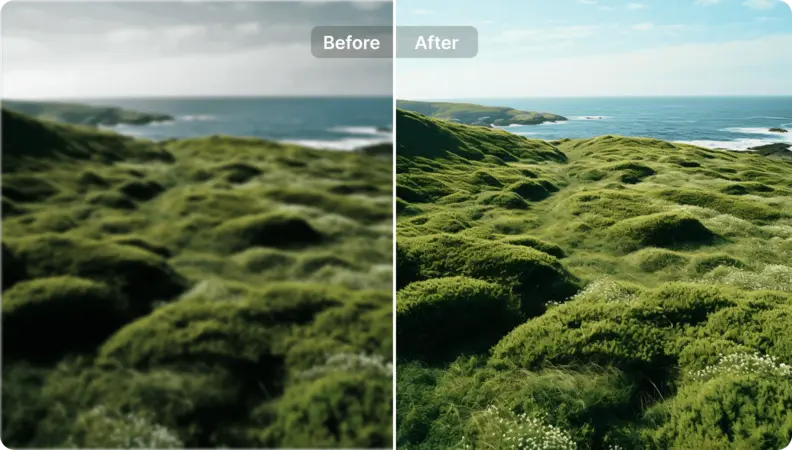
为风景照片注入新活力
提升不完美的风景照片,使其呈现出经过打磨、适合画廊展示的效果,与你的艺术愿景相符。你可以在这里对图像进行放大,并且 <b>让提示引导 AI 的增强效果。</b>

Free to Try
AIPhotor is free to try for 3 days, after which you can subscribe to one of our incredible value plans.

Free to Try
We automatically sharpen and transform your images with AI to create multiple final looks. But you can also adjust and add a prompt to customize the results. Choose what works best for you!

Quick & Easy
Screen, edit, resize and download your photos lightning fast.

Compatible with all devices
AIPhotor is available on the iOS and Android stores. Our app works seamlessly across mobile, desktop, and tablet devices.
Frequently Asked Questions
-
What is AIPhotor Photo Editor?

 AIPhotor is a visual online photo editing website that leverages AI technology to help automatically remove objects/people from images; retouch, enhance, colorize, correct, cartoonize, and animate photos in a snap, replacing other photo editing tools Photoshop, Pixlr editor, or Photopea.
Or just drag & drop image here, upto 50 images at once
Or just drag & drop image here, upto 50 images at once
Frequently Asked Questions
-
What is AIPhotor Photo Editor?
AIPhotor is a visual online photo editing website that leverages AI technology to help automatically remove objects/people from images; retouch, enhance, colorize, correct, cartoonize, and animate photos in a snap, replacing other photo editing tools Photoshop, Pixlr editor, or Photopea.